

Have you been wondering how CGI firms judge the additional workload/cost and how to avoid it in your project? You will find the answers in this post.
At GoGetCG, we offer unlimited free edits for each project as long as they are good-faith because we love to perfect the work along with our clients. We encourage our clients to follow our rendering workflows and make all the necessary revisions before moving on to the next stage.
When Is Additional Cost Required?
Most of the time, you don’t need to worry about additional fees. However, when additional workload has to occur, here are some of the most common causes.
#1 Major Change to the Model After Model Stage.
It will not only lead to hours of additional remodeling but hours of re-rendering. This is the most unwanted type of changes that you should avoid.
#2 Major Lighting or Mood Changes.
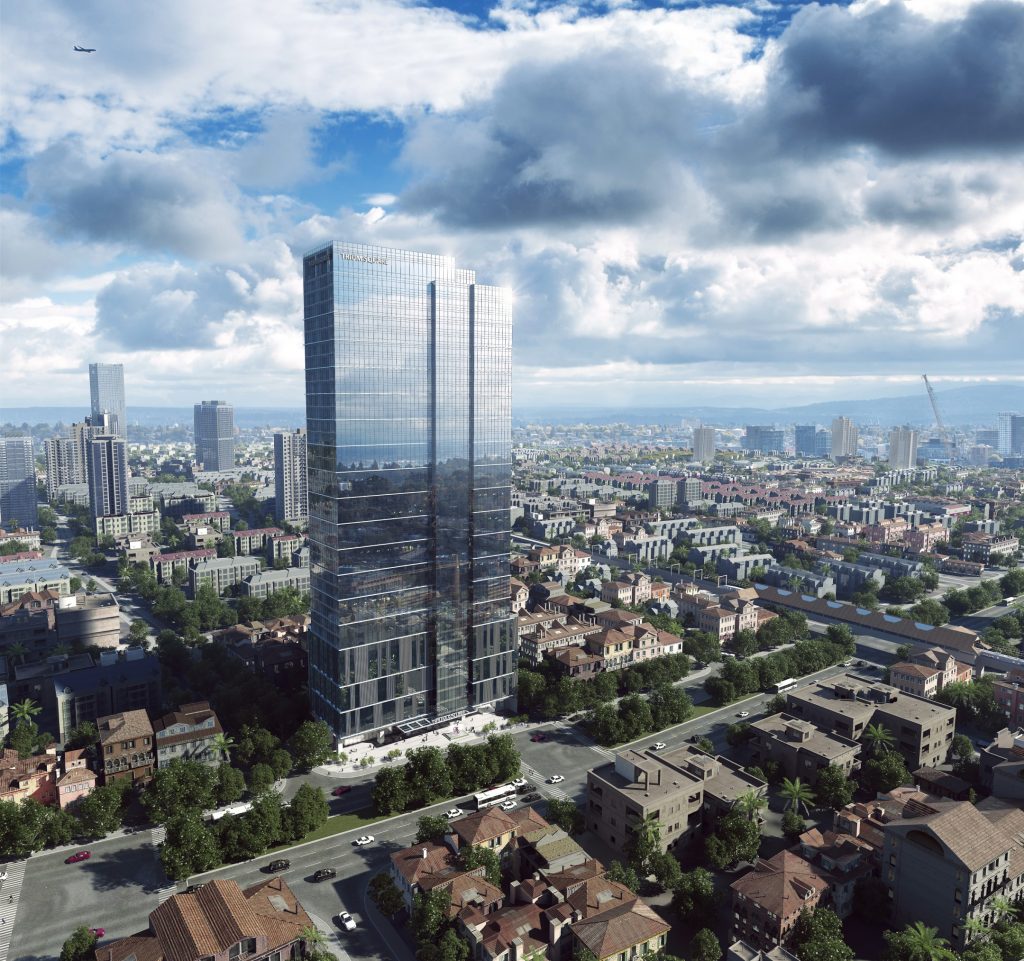
Such changes, for example, daytime to nighttime, require hours of reworking and re-rendering. That’s why we should all confirm the mood of each view at the very beginning of the production.
#3 Radical Change of View Angles
There is a basic rule in 3D rendering production: we only model what we can see in a view. For example, if the view was showing the south & east facades and now you want it to show north & west facades, that is considered a radical change of view angle. In fact, you can also call it a brand-new view because all the previous modeling work gets thrown out and we’ll have to model the new stuff.
How Much Is the Additional Cost?
The total cost of a 3d render can often be broken down into two sections, 40% modeling and 60% rendering. Taking an $800 render as an example, $320 (40%) is attributed to the modeling cost and the remainder $480 is attributed to the rendering cost.
When an edit request is considered to be a major change that is not included in our free unlimited edits, we will assess its additional workload and using percentage to represent it. The % of the additional workload varies in each project because of different complexity.
Additional Modeling Cost
Example: Let’s say you have signed off the modeling stage and we are in the rendering stage, but now you request some significant changes. After estimating the workload, we find that it brings a 30% additional modeling workload. Then, the calculation works as follows:
- 40% of the original cost of this view * 30%
- ($800 x 40%) x 30% = $96 additional modeling fee
Additional Rendering Cost
Example: Let’s say you originally want this view to be a day view, but during the rendering stage, you want to change it into an evening view. After evaluation, we find it leads to 60% of the workload rendering workload. The calculation works the same as the modeling cost.
- 60% of the original cost of this view * 30%
- ($800 x 60%) x 60% = $288 additional rendering fee
I hope the examples of additional cost breakdown will give a better understanding of how we evaluate and calculate the additional cost.
How to Avoid Additional Cost
To put it simply, please follow our workflow.
We have a rigorous yet streamlined process. Following the workflow will not only help you avoid additional costs but also allow us to concentrate more on improving the quality and details.
For example, you should focus on tweaking 3D models and view angles at the modeling stage and make sure they all correct and final before moving on to the next stage; you should decide the mood of the view before we start the rendering process. Our project managers will also guide you throughout the process and remind you of the biggest things to keep in mind, ensuring your project is performed smoothly.
Thanks for reading this article. We strongly believe that open communication and transparency is the best method for efficient project management. If you have any doubts or want to share any inputs, please drop us a line.